Add Anyone to Any Picture Instantly
Add Person to Photo
Upload photos and describe the composition.
Total People in Result*
Want more accurate results? Tell us how many people will be in the final photo.
Upload Images
UPLOAD BASE IMAGE
Target photo
UPLOAD PERSON IMAGE
Person reference
Configuration
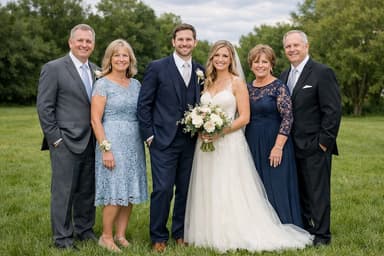

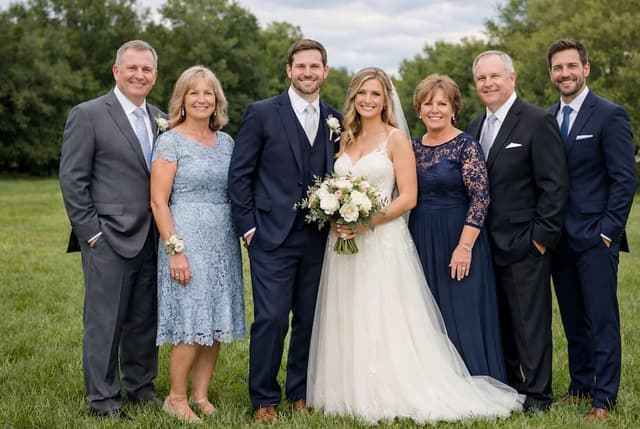
Common Uses for Our AI Photo Editor to Add People
Family Reunions and Gatherings
Never let distance or scheduling conflicts ruin your family photos again. Add person to group photo AI technology lets you include everyone, even if they couldn't physically be there, even the future baby!
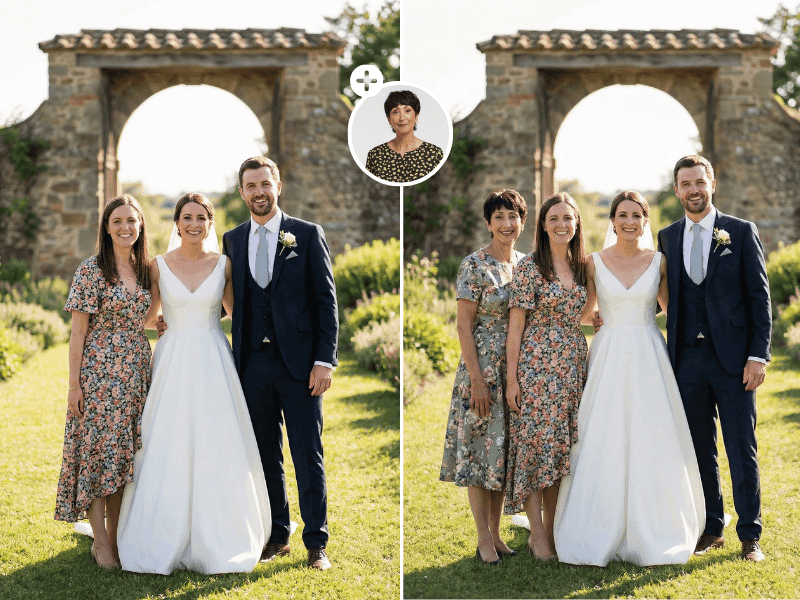
Memorial and Tribute Photos
One of the most touching uses of our tool is to add passed away person to photo. Create images that show grandparents with grandchildren they never met, or include beloved family members in wedding photos they couldn't attend.
Professional and Team Photos
Need to update company headshots or team photos without organizing another photoshoot? Our AI makes it simple to add new team members to existing group images.
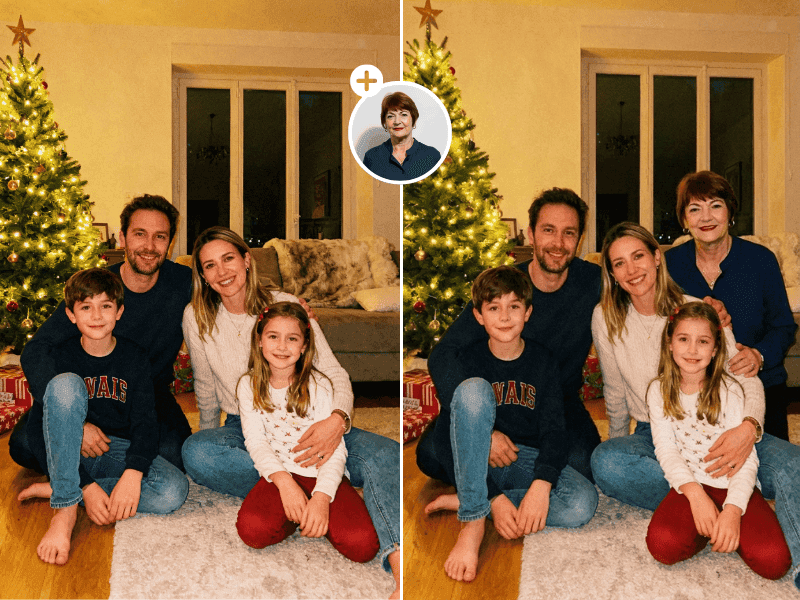
Creative Projects
Artists, designers, and content creators use our tool to bring creative visions to life, compositing people into scenes for various projects.
Event Photography
From graduations to birthday parties, ensure no one is left out of important moments. Our AI add person to photo tool helps complete any picture.
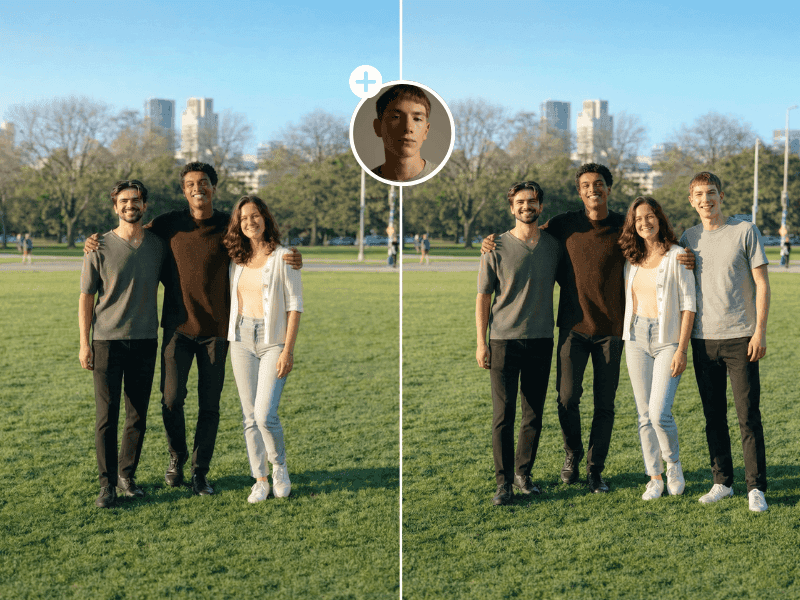
What Is an AI That Can Add People to Images?
Why Use PixReunion to Add Person to Photo Online?
1. No Technical Skills Required
Forget about learning complex photo editing software. PixReunion's tool handles all the technical work for you. Simply upload your images, and let the AI do the rest.
2. Fast Results
What used to take professional editors hours now takes mere seconds. Get your edited photos in minutes without waiting or paying premium prices.
3. Natural-Looking Edits
Our AI photo editor to add people uses sophisticated algorithms to ensure seamless integration. The added person will look like they genuinely belong in the photo.
4. Preserve Precious Memories
Want to add a deceased person to a photo? Our tool helps you create meaningful images that honor loved ones who have passed, allowing you to visualize moments that never happened or recreate cherished memories.
How to Add a Person to a Group Photo
Upload Your Group Photo
Upload the Person's Photo
Choose a clear photo of the person you want to add. For best results, select an image where:
- The person is facing the camera
- The image quality is good
Position and Adjust
Let AI Work Its Magic
Download Your New Memory
Why Choose Our AI Add Person to Photo Tool?
Advanced AI Technology
Our AI that can add people to images uses the latest machine learning models trained on millions of photographs to ensure realistic, professional-quality results.
Privacy First
Your photos are processed securely and never stored or shared. Your memories remain yours alone.
High Resolution Output
PixReunion's Add Person to Photo tool automatically upscale your uploaded photos and generate a print-ready 4K result.